

Minifigure collecting guide
Find the gap. Check the figure. Keep the wish.
A series checklist is most useful when it reflects the figures you can actually find. Start with one series or display tray, then work through uncertain entries before buying another copy.
1. Identify the exact figure.
Start with the figure in your hand. Compare its head, torso print and accessories with the catalog picture, and keep the matching figure number with your notes.
Which 2012 Iron Man do you have?
Iron Man (Toy Fair 2012 Exclusive)
fig-013188
The gold mask is printed directly on the red head. This is the version in the 2012 Toy Fair event gift.
Iron Man Mark 6 Armor
fig-001372
A separate dark red helmet fits over Tony Stark’s head. A gold faceplate clips onto the helmet. Look for the triangular light on the chest of the figure in set 6867, Loki’s Cosmic Cube Escape.
If the helmet is missing, compare the head and torso with page 3 of LEGO’s instructions for set 6867 (PDF). If you own the Mark 6 and still want the Toy Fair version, keep fig-013188 on your wishlist.
Browse minifigures by name or number →
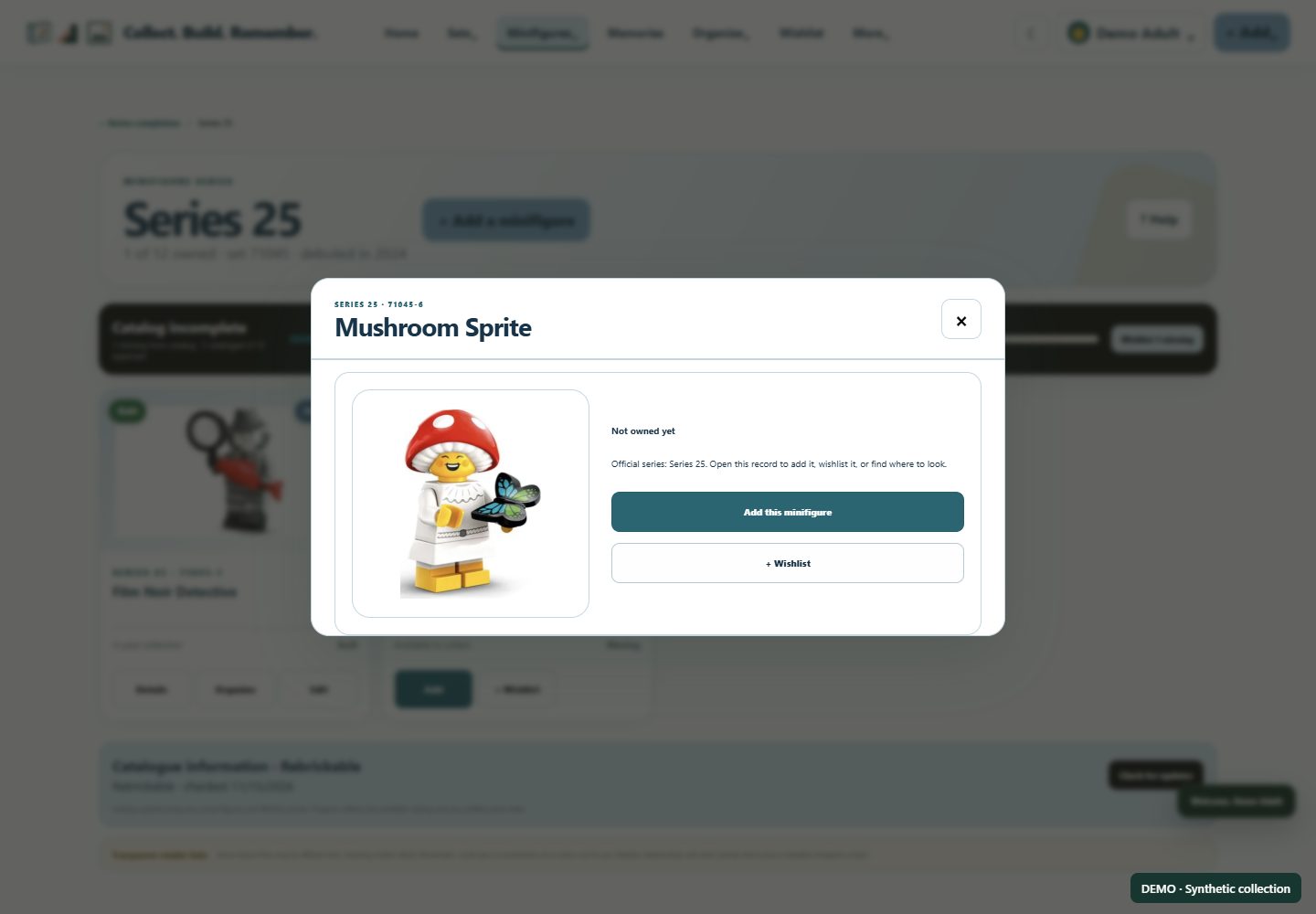
2. Compare records with the figures you have.
Check loose figures as well as figures connected to your sets. A catalog inventory tells you which figures were included with a set; it cannot tell you whether a used copy still contains them. Look in the box, display or storage tray before treating the record as a physical check.
A figure included with a set and a separately purchased loose figure are different collecting situations. Use the existing set connection when appropriate and add a loose copy when that is what you acquired. Avoid adding the same physical figure again just to make it appear in another view.
Use notes for uncertainty and a location you can find later, such as “Display tray / Row 2.” This guide covers figure records and series gaps, not reconstruction from individual parts.
3. Open the collectible-series view.
In Minifigures, open a registered collectible series to see its figures together. The view distinguishes Owned, Missing and Wishlisted items and shows completion progress. Open an image for the larger detail view before deciding what to add.
A wish does not count as ownership. Check the selected collector or household view, too: a figure owned by another profile may not be one of your own copies. The checklist follows recorded ownership and catalog matches; it is not a fresh physical inventory of your drawers.
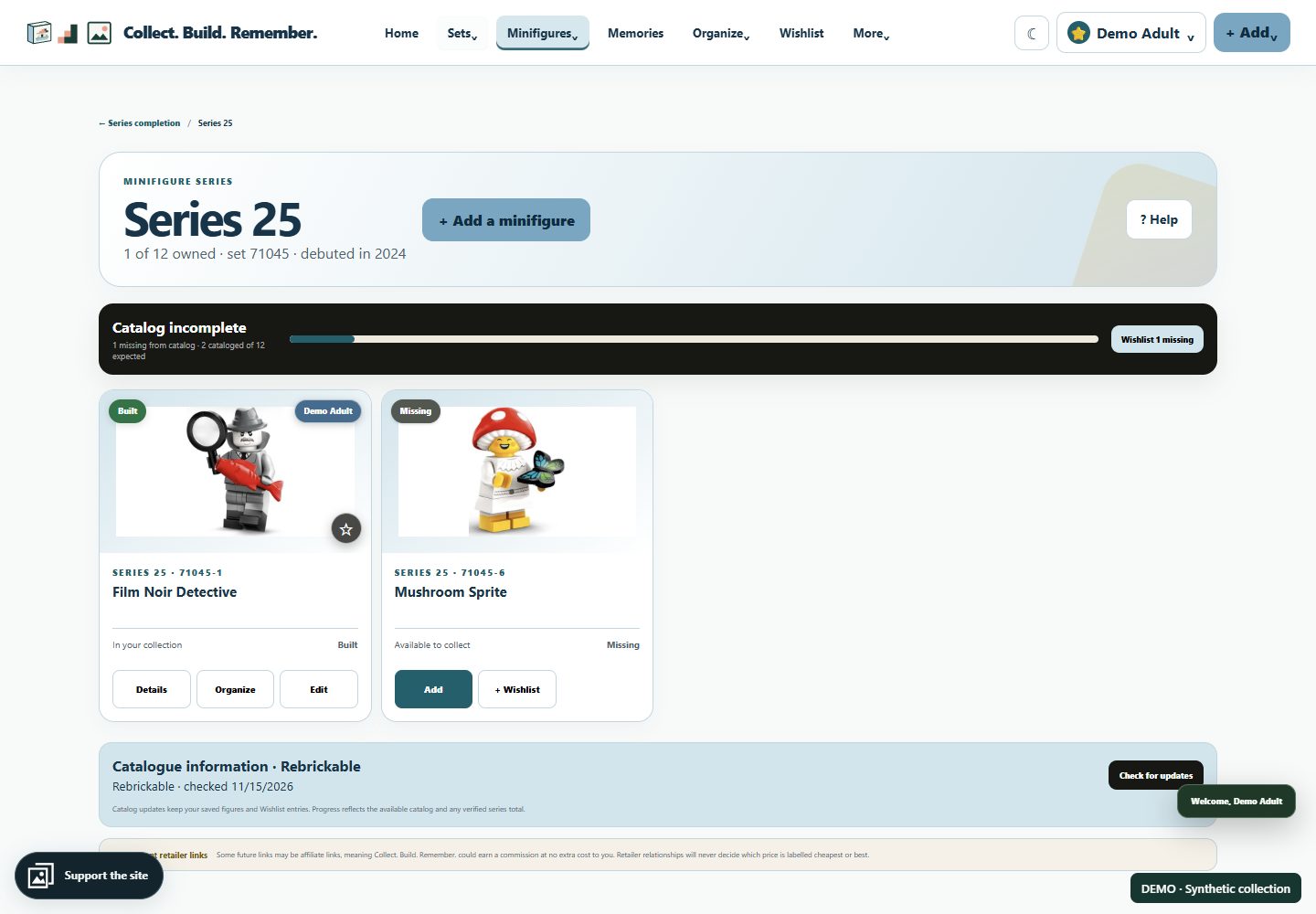
4. Put the gap on your wishlist.
Choose Wishlist for a figure you want. Keep it separate from Add, which records a figure you own. A useful note might say “Check the accessory before buying” or explain which version you are looking for.
Where to find offers optional retailer links when available. Check the seller’s exact listing, condition, accessories, shipping and total price yourself. A catalog picture is not a promise about a seller’s item, availability or price.
5. Reconcile the new arrival.
Compare the arriving figure with the identifier you saved. Record the actual copy, condition and location, then check both your wishlist and the series view. Keep any remaining uncertainty in the record.
Finish one series before tackling another if that makes the collection easier to manage. An honest partial checklist is more useful than a complete-looking one built on guesses.
Try the collection tools.
Browse the catalog without an account, or visit the account page to check current signup availability. Existing collectors can sign in there.
One household account can contain multiple profiles. Adult Mode protects account-level actions. Photos and child-written Memories are not available.